How to save tokens in Codex and Claude
I see many people complaining about tokens or running out of tokens within their 5h limits or even weekly limits. I've been using both Claude Code and Codex on the $100/month plan with Opus 4.8 and GPT-5.5 constantly.
I constantly work on four different projects each day for 12 hours or more. Often, I run 4 to 6 separate chat sessions in Claude or Codex. This might not be much for some (hey, that's why there are higher-tier plans), but I would wager it's a more common use case. That said, I've never hit my limits. Yes, I've come close, but never to the point where I had to upgrade.
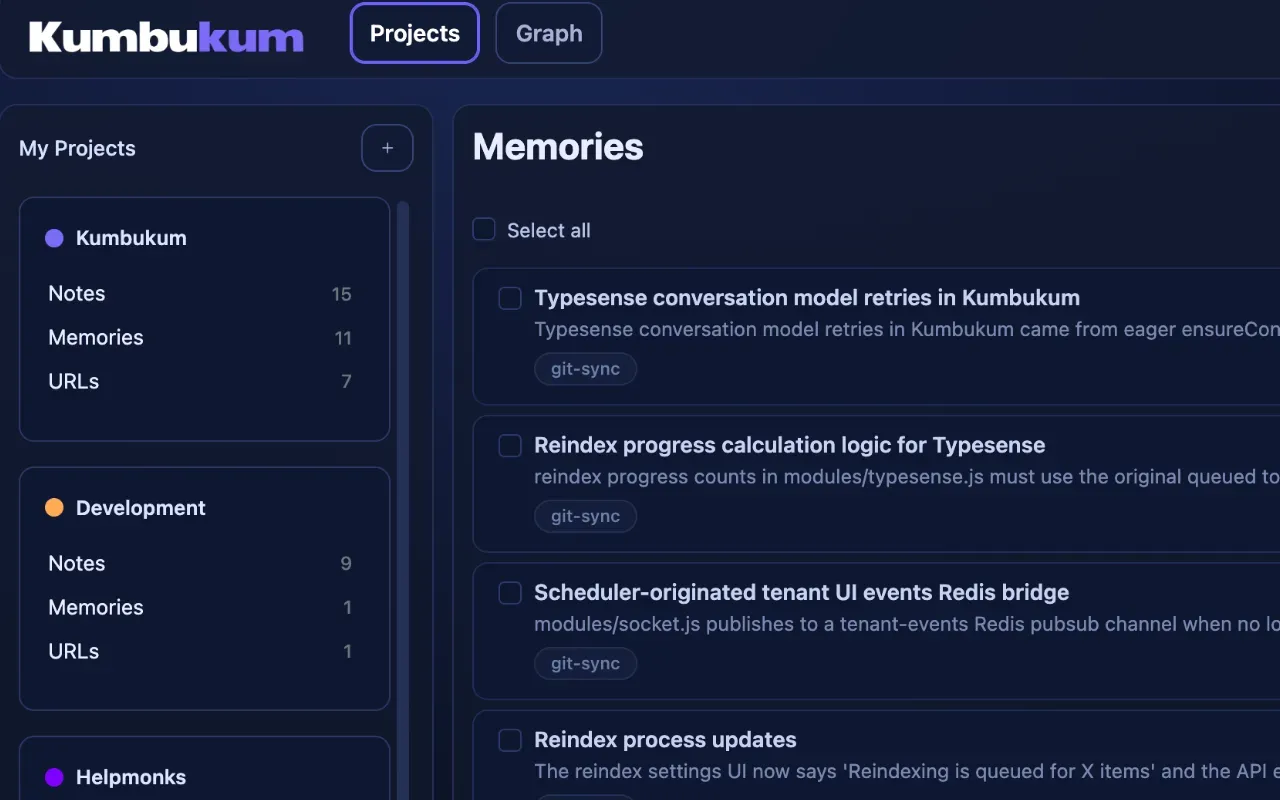
I believe this is because I use Kumbukum as the knowledge and memory layer for all AI tools. With it, Claude, Codex, ChatGPT, FluentApp, and so forth don't need to scan the entire repository, using regex to find files and thus waste time and tokens. What surprises me the most is how much time I've been saving.
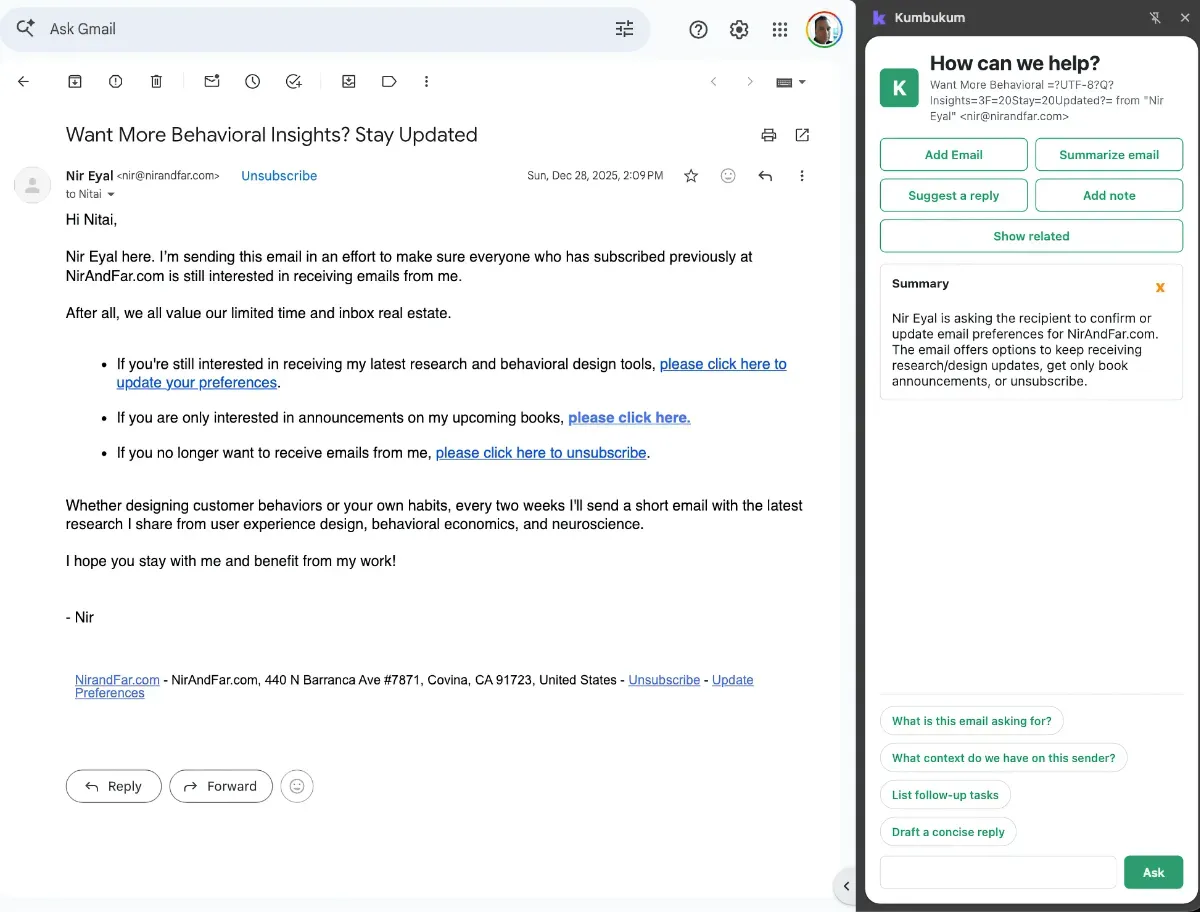
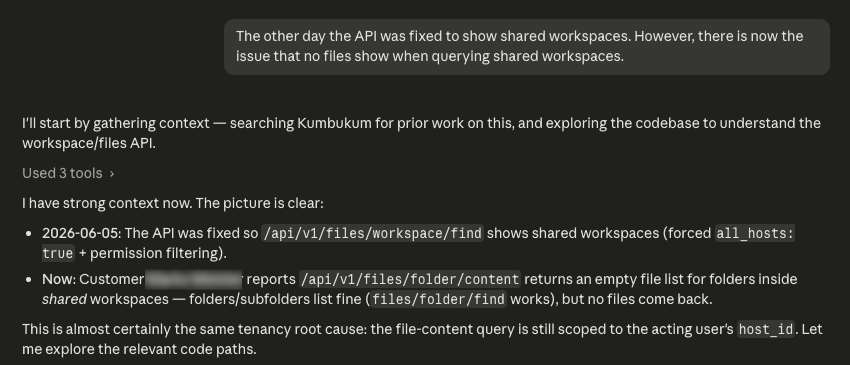
Now that the system has started indexing emails, it even tells me, in one go, that it found the related notes or memories along with the email from the customer reporting the issue (see the screenshot below)
As everyone loves benchmarks and numbers, here they are:
Retrieval flow | Before | After | Saved |
|---|---|---|---|
search_knowledge | 7,804 tokens | 1,313 tokens | 83.2% |
recall_memory | 2,394 tokens | 325 tokens | 86.4% |
search_notes | 4,074 tokens | 326 tokens | 92.0% |
Combined | 14,272 tokens | 1,964 tokens | 86.2% |
In a real production MCP workflow, three retrieval calls are used to send 14,272 estimated tokens back to the AI model. After adding Kumbukum, the same workflow sends 1,964 tokens. That is 12,308 fewer tokens per retrieval set, or an 86.2% reduction.
The baseline was the same doing a real-live coding session. However, with Kumbukum, it does a semantic search and returns locator metadata first. The AI can then read the exact item only when needed.
The measured win here is token/context reduction, not raw search latency. Search latency remained roughly the same. The time savings come from fewer manual repo searches, fewer irrelevant files opened, and fewer follow-up retrieval calls.
Kumbukum is an open-source project. Hence, you can use it for your work as well. I'm fully aware that there are other solutions. The point is to use these tools to help your AI tools.