
Open-Source AI Models for Teams: Selection and Shared Context

An open-source AI model can draft an answer, review code, or transcribe a meeting. It cannot know why your team rejected a proposed API change last month unless that decision reaches the model. For teams choosing models, that makes selection a two-part problem: pick a model that handles the task, then give it reliable access to the right work context.
The first part needs more care than a leaderboard comparison. "Open source" can describe the code used to run a model, the model weights, or the training process. Those are different levels of openness, and model families can contain releases with different terms. The second part matters no matter which model you choose: a useful answer depends on what the model can retrieve, what it should trust, and what the team can correct.
What counts as an open-source AI model?
An open-source AI model generally offers meaningful access to the software and artifacts needed to use, inspect, and modify it. But the label is applied inconsistently. Some releases provide downloadable weights under conditions that limit certain uses. Others publish code and weights while disclosing little about training data. A model being available to run locally does not, on its own, tell you whether you can redistribute it or use it commercially.
Before adopting a checkpoint, read the license for that specific release, not just the model family's homepage. Check whether your intended use, fine-tuning, redistribution, and deployment are permitted. Then check what is actually available: weights, inference code, training code, documentation, and information about the training data. If full auditability is a requirement, access to weights alone may not be enough.
For most teams, the practical question is narrower: Can we run and adapt this release under terms that work for us, and does it perform well on our tasks?
Compare models by the work they need to do
There is no single best open-source AI model for a team's email, code, research, and support work. These tasks have different failure costs and different input types. Use model names as candidates to test, not as substitutes for a current license review or an evaluation on your own data.
| Use case | Candidate to investigate | Test before choosing |
|---|---|---|
| General drafting and question answering | An OLMo release or another general-purpose model with suitable terms | Can it answer from supplied documents, admit when evidence is missing, and follow your required output format? |
| Coding assistance | A code-focused checkpoint such as a Qwen2.5-Coder release | Can it work within your repository's conventions and explain changes without inventing APIs? Check the selected release's license. |
| Search over team knowledge | An embedding model such as a BGE release, paired with a separate answer-generating model | Does retrieval find the correct decision or document, including when people use different names for the same project? |
| Meeting or customer-call transcription | Whisper, followed where needed by a text model | How well does it handle your speakers, terminology, recording quality, and privacy requirements? |
These are not interchangeable components. An embedding model helps find relevant material; it does not write the final answer. A transcription model turns audio into text; it does not decide whether a customer request was approved. A code model may produce plausible changes while missing a constraint recorded in an old pull request.
Start with two or three tasks your team already performs. Save representative inputs, the documents a person would consult, and a description of an acceptable result. Run each candidate against the same set. Record factual errors, missing citations to your own material, format failures, latency, and operating cost. A smaller model that reliably handles a bounded task may be a better choice than a stronger general model that is slower or harder to deploy.
Test context as carefully as the model
Suppose a coding assistant is asked to add a field to a customer export. The current repository shows where to make the change, but an earlier code review explains why a similar field was excluded: it exposed information that some customers should not receive. A model evaluated only on the current file might write clean code and still make the wrong change.
A useful test gives the assistant a chance to find that prior decision. Ask:
- Did retrieval find the relevant work object? The answer may be in a note, URL, email, issue, or Git history rather than a polished wiki page.
- Could the assistant distinguish a decision from an outdated suggestion? Finding text is not the same as knowing whether it still applies.
- Did the answer show its basis? A reviewer should be able to inspect the retrieved material before accepting a recommendation.
- Can the team correct the record? If a decision changes, people need a way to update the shared knowledge the assistant uses.
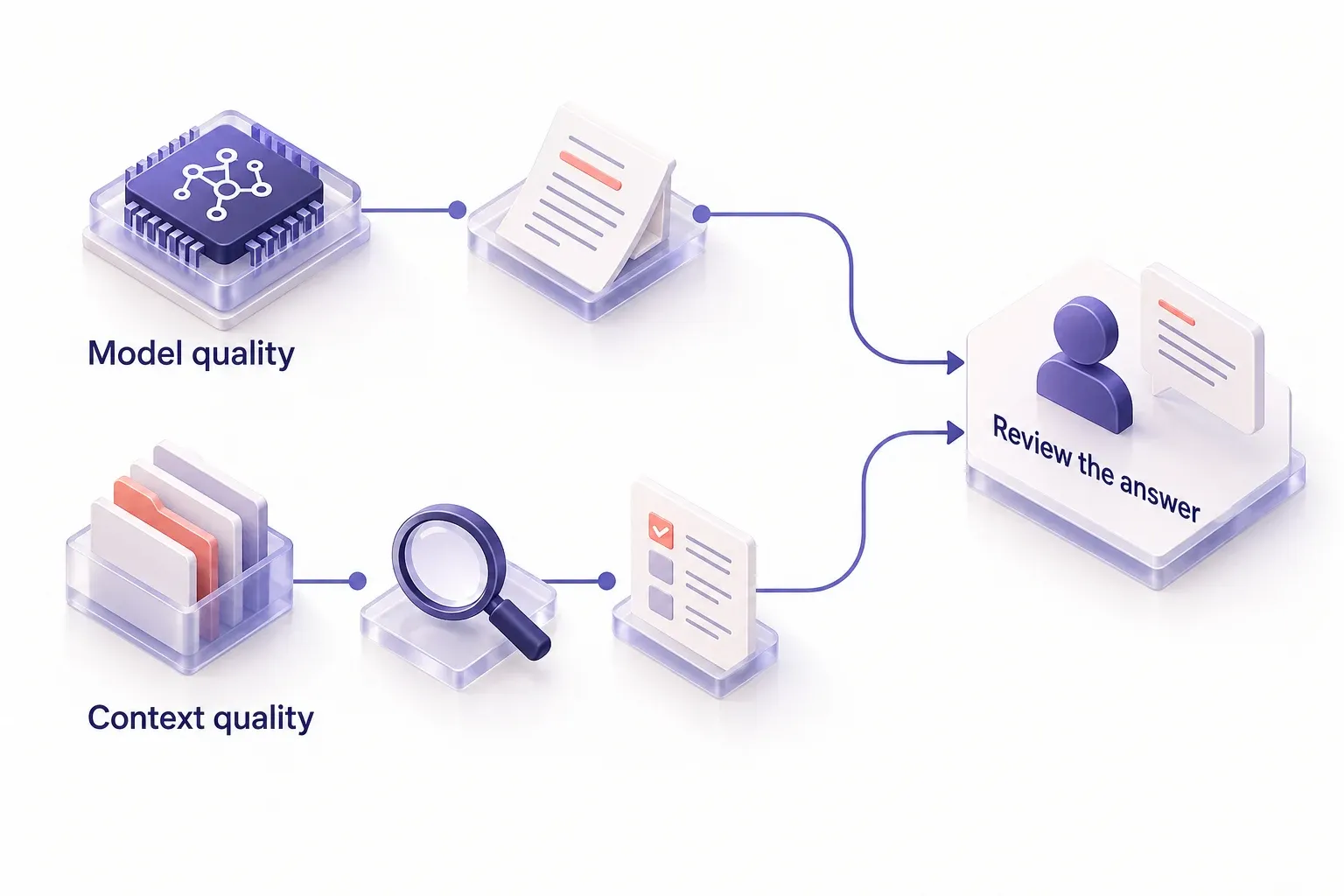
This separates two causes of a poor answer. If the correct material was retrieved but the model ignored it, investigate the model, prompt, or context length. If the material was never found, switching models is unlikely to fix the problem. For a closer look at the first part of that distinction, see how Streamient approaches finding and organizing knowledge.
Keep team context independent of the model
Teams often use more than one AI client. A developer may work in Cursor while a colleague uses Claude or ChatGPT. Keeping important decisions inside one chat history forces people to repeat them elsewhere, even if they switch to an open-source model.
Streamient is an open-source shared memory layer for that gap. It brings notes, memories, URLs, emails, Git work, decisions, and project context into an editable, searchable knowledge library. MCP-compatible clients, including Claude, Cursor, ChatGPT, Windsurf, and Zed, can read from and write to that shared layer. The knowledge belongs to the team rather than an individual assistant session, and Streamient can be self-hosted.
That does not make Streamient a model, model host, or guarantee that every local model can connect to it directly. A local-model setup needs a client or application that can use the relevant MCP connection. The useful design principle is to keep durable team knowledge separate from the model producing an answer. Then a model change does not require recreating the team's history from chat logs. Durable memory for local LLM agents covers that distinction in more detail.
For the export-field example, the workflow would be: make the prior decision available in the shared library; have the connected client retrieve it when the task calls for it; let the model propose a change with that constraint in view; and have a person review both the proposal and its source. If the policy has changed, update the shared record rather than expecting the model to infer the change from a later conversation.
Plan deployment and access together
Running a model on your own infrastructure can give you more control over where inference happens. It does not automatically settle where retrieved documents live, who can access them, or what gets logged. Review the whole path from user request to retrieved context to model output.
For a team trial, set boundaries before connecting a client to shared knowledge:
- Limit the initial scope. Start with a project or workflow whose records the participating users are permitted to see.
- Review retrieval quality. Check whether searches return current, relevant records rather than merely similar text.
- Treat retrieved content as data. An email, page, or repository file may contain instructions aimed at an assistant. It should not gain authority just because retrieval placed it in context. See the prompt-injection risks in AI memory.
- Decide how writes are reviewed. A generated summary can be useful, but an incorrect summary should not quietly become the team's authoritative decision.
- Check the full deployment footprint. Model inference, shared knowledge storage, client permissions, and observability each have their own operational requirements.
MCP provides a way for clients to connect to tools and data, but a connection alone does not decide what deserves to be remembered. That distinction is covered in why MCP does not solve AI memory on its own.
Choose an open-source AI model with a release-level license check and a task-based evaluation. Then run a second evaluation with real team context: can the assistant find the right decision, use it accurately, and let a person inspect and correct the result? That test is more revealing than asking a model to answer a question it could never have known from its training data.
For the shared-context part of that evaluation, review Streamient’s apps and integrations and open-source deployment options. The guide to context engineering with shared memory explains how that layer fits into an agent workflow.